

 About Us
Sign Up
1
Open the sign-up page
Go to partners.prowler.com/sign-up, fill in Full name, Company name, Email, Password and Confirm password, then click Create account.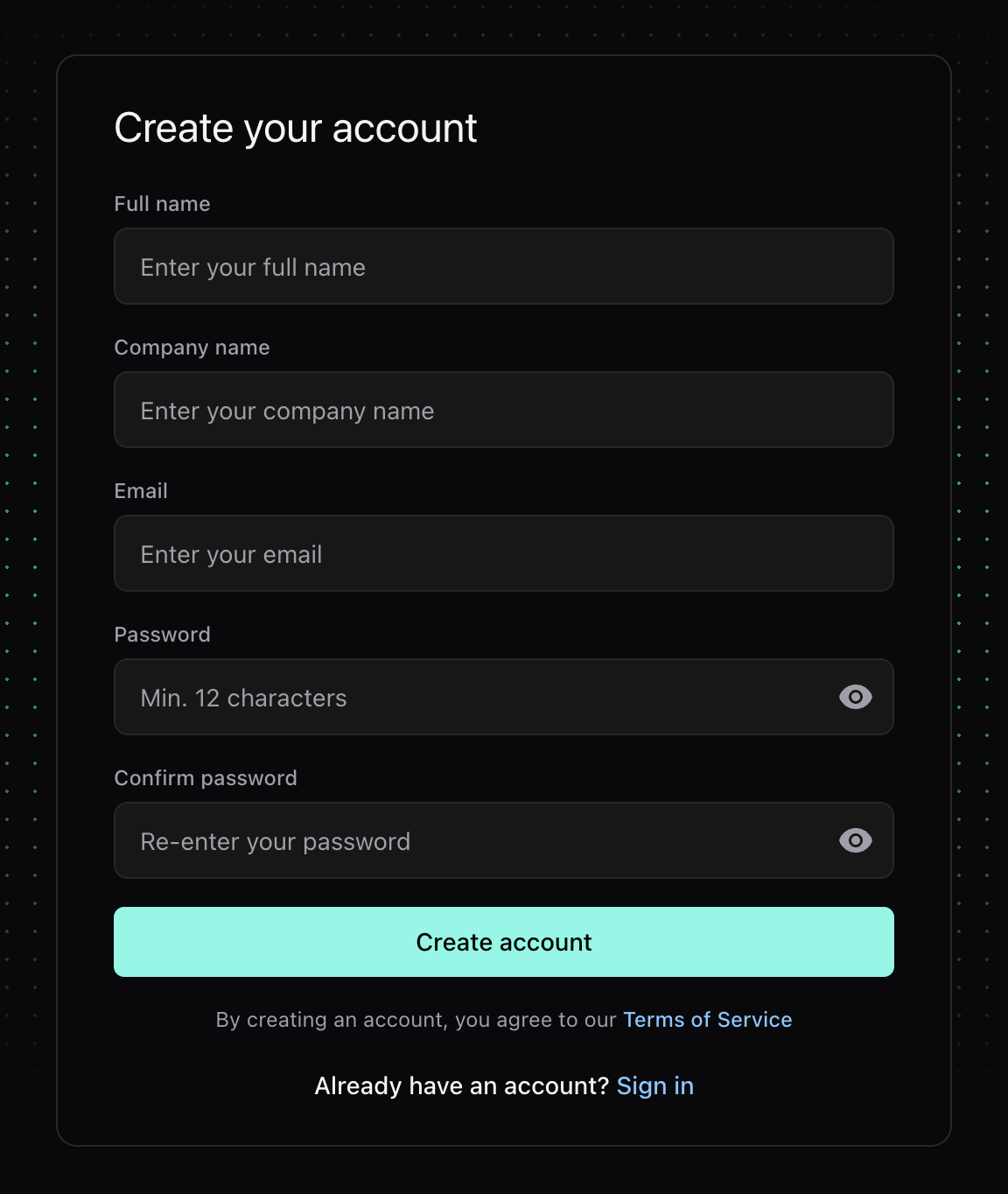
2
Verify your email
Prowler sends a verification email containing a one-time link valid for 24 hours. Click it to confirm the address; your partner organization then moves to Pending approval.If the link expires, request a new one at partners.prowler.com/resend-verification. Issuing a fresh link invalidates any earlier unused link for the same account.
3
Wait for approval
Prowler reviews every new application. You receive an email when the organization is approved — its status becomes Active — or when it is rejected, along with the reason.
4
Sign in
Once approved, sign in at partners.prowler.com with the email and password you chose. You land on the Dashboard.
Password Requirements
Every password in the console — at sign-up, when accepting an invitation, and on reset — must satisfy all of the following:Sign In
Sign in at partners.prowler.com with your email and password, then click Login.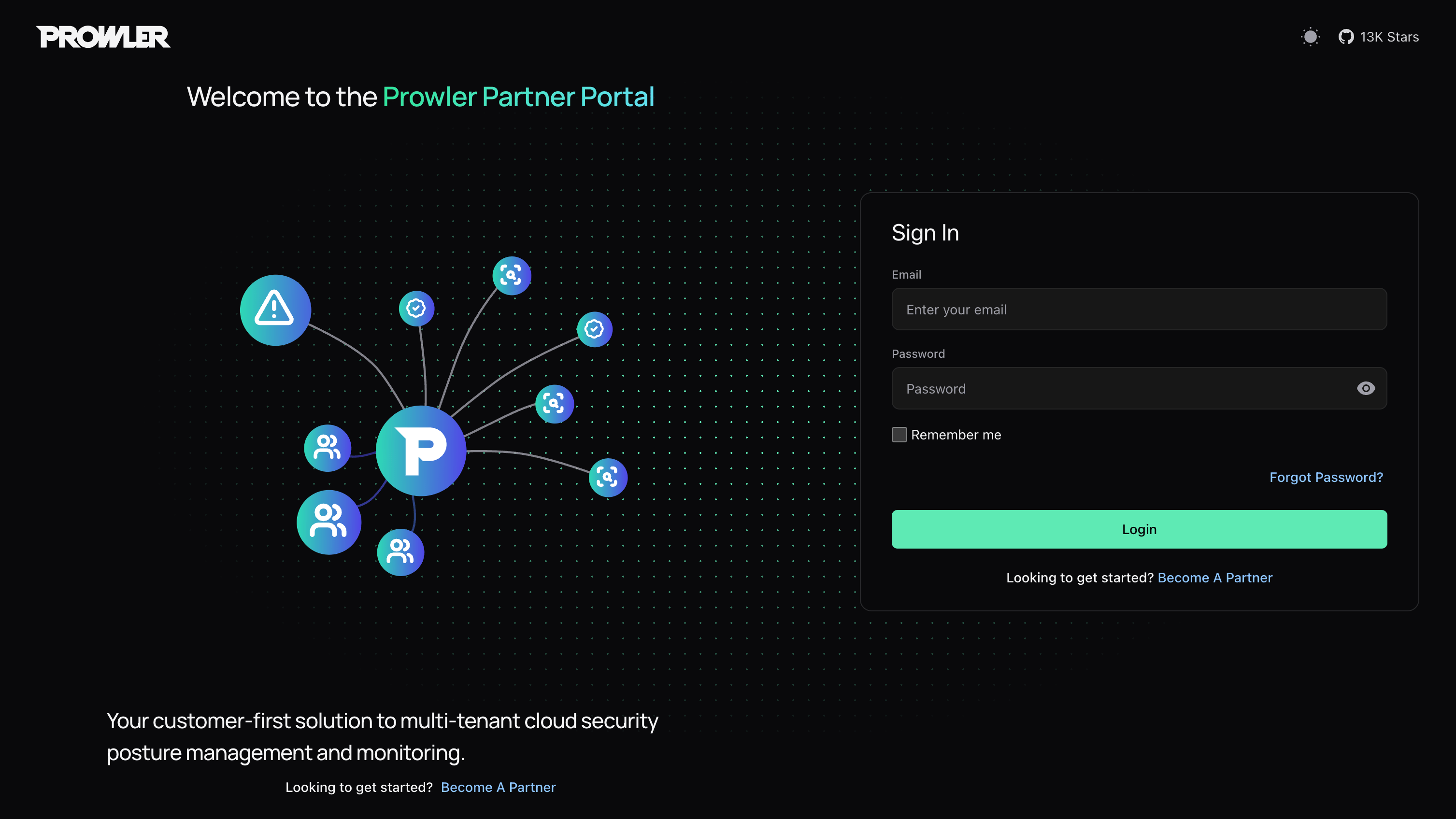
Reset a Forgotten Password
Click Forgot Password? on the sign-in screen and enter your email. Prowler sends a reset link valid for 15 minutes. The reset page asks for a new password and a confirmation; on success you return to sign-in.The confirmation banner appears whether or not the email matches an account, so the screen never reveals which addresses are registered. Requesting a new link invalidates any earlier unused one.
Sessions
Portal sessions currently use a sliding 23-hour lifetime. Continued use may renew the session window, but you should expect to sign in again after extended inactivity. Selecting Remember me does not provide a seven-day Portal session. If session refresh or validation fails, you are redirected to the sign-in screen. Sign in again to continue.Sign Out
Open the user avatar in the top-right corner of any page and select Sign out. The session is cleared and you return to the sign-in form.Next Steps
Managing Your Team
Invite team members and assign roles.
Your Partner Organization
Lifecycle, settings, Partner Code and closing your organization.