

 About Us
Supported IaC Formats
Prowler IaC provider scans the following Infrastructure as Code configurations for misconfigurations and secrets:How It Works
- Prowler Cloud leverages Trivy to scan local directories (or specified paths) for supported IaC files, or scans remote repositories.
- No cloud credentials or authentication are required for local scans.
- For remote repository scans, authentication can be provided via git URL, CLI flags or environment variables.
- Check the IaC Authentication page for more details.
- Mutelist logic (filtering) is handled by Trivy, not Prowler.
- Results are output in the same formats as other Prowler providers (CSV, JSON-OCSF, HTML), plus SARIF for GitHub Code Scanning integration.
Prowler Cloud
Supported Scanners
Scanner selection is not configurable in Prowler Cloud. Default scanners, misconfig and secret, run automatically during each scan.Step 1: Access Prowler Cloud or Prowler Local Server
- Navigate to Prowler Cloud or launch Prowler Local Server
-
Go to “Configuration” > “Providers”
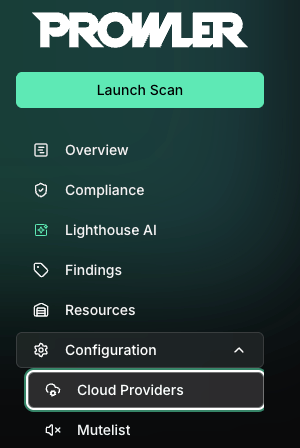
-
Click “Add Provider”
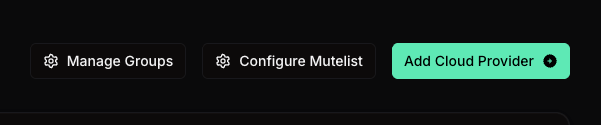
-
Select “Infrastructure as Code”
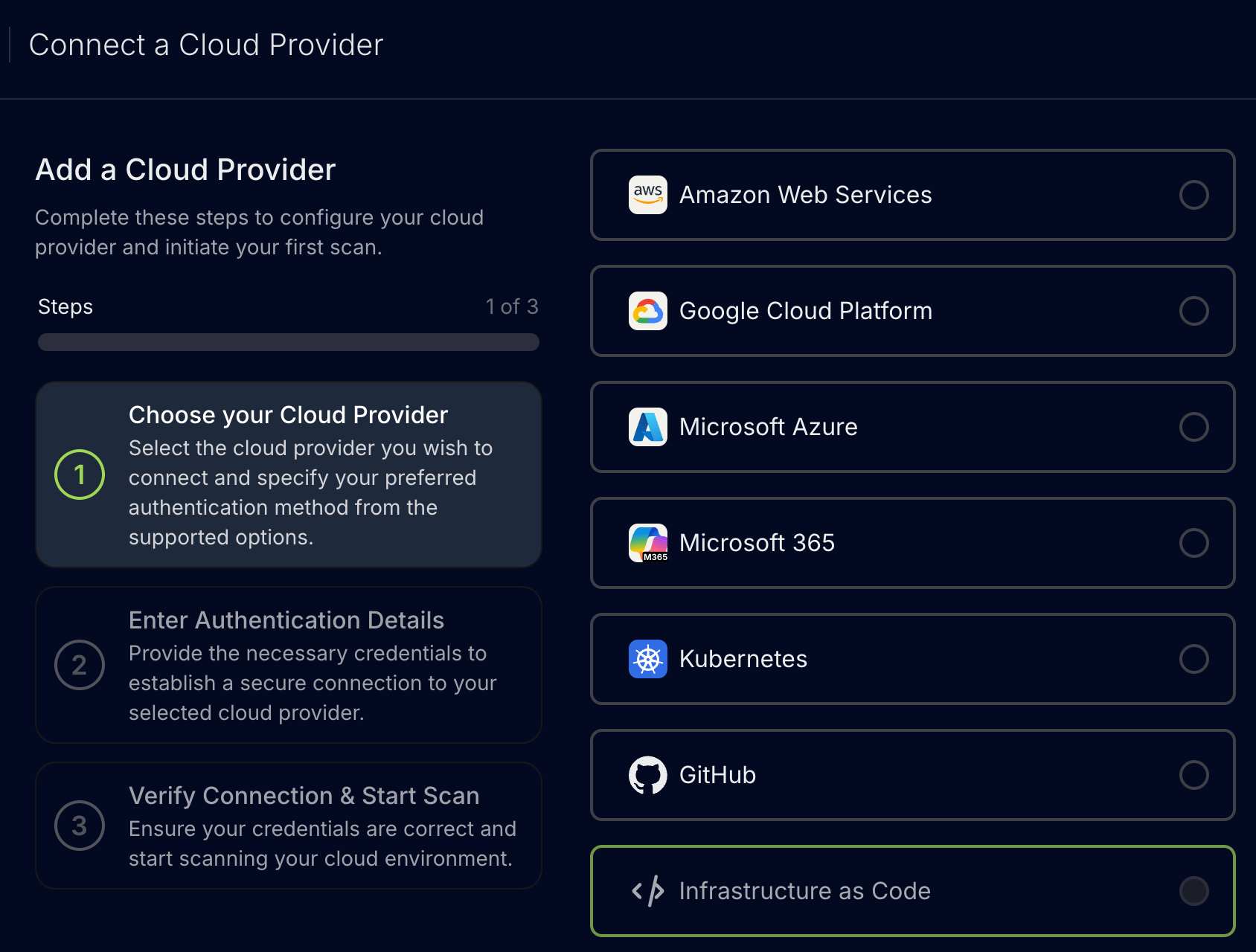
-
Add the Repository URL and an optional alias, then click “Next”
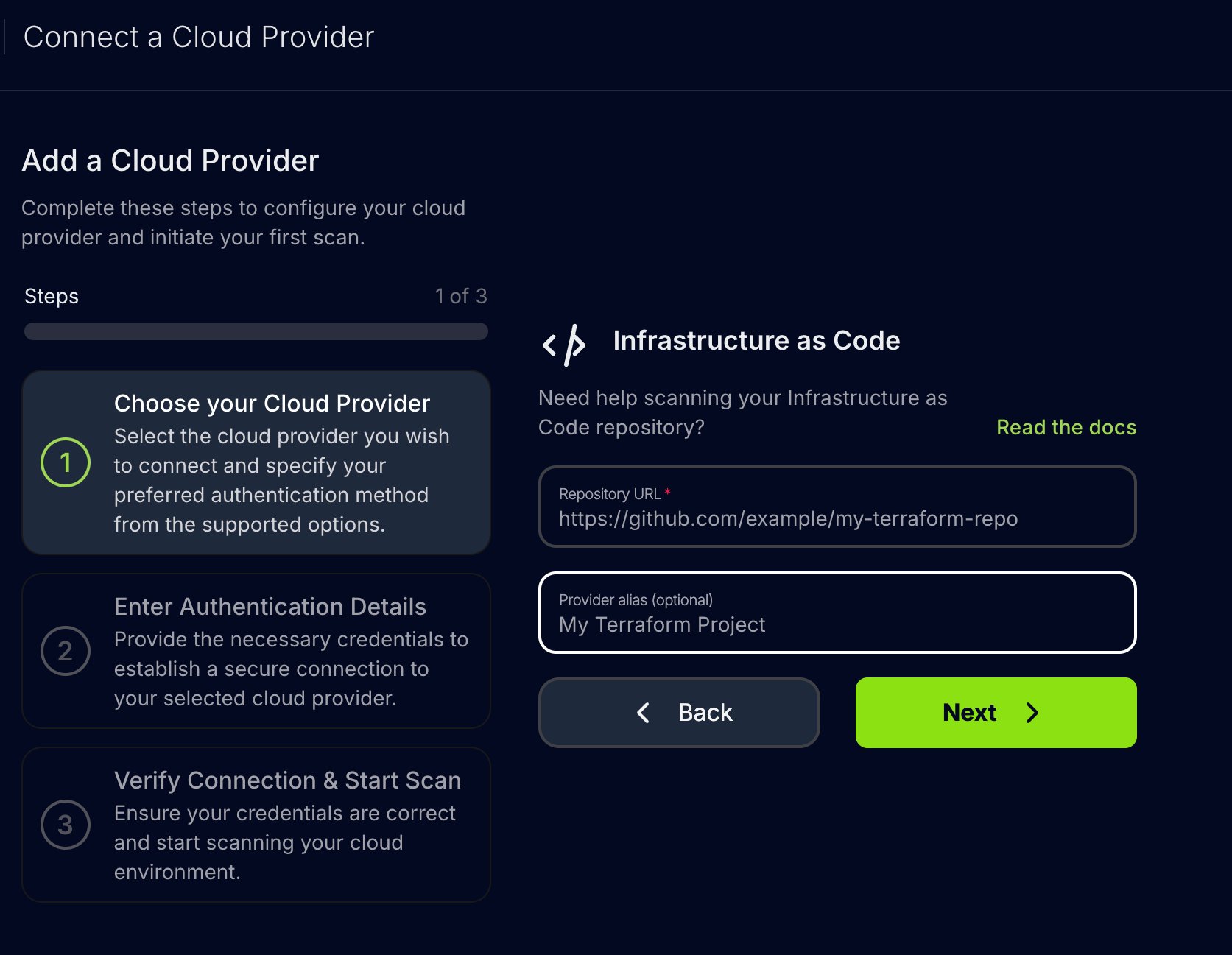
Step 2: Enter Authentication Details
-
Optionally provide the authentication details for private repositories, then click “Next”
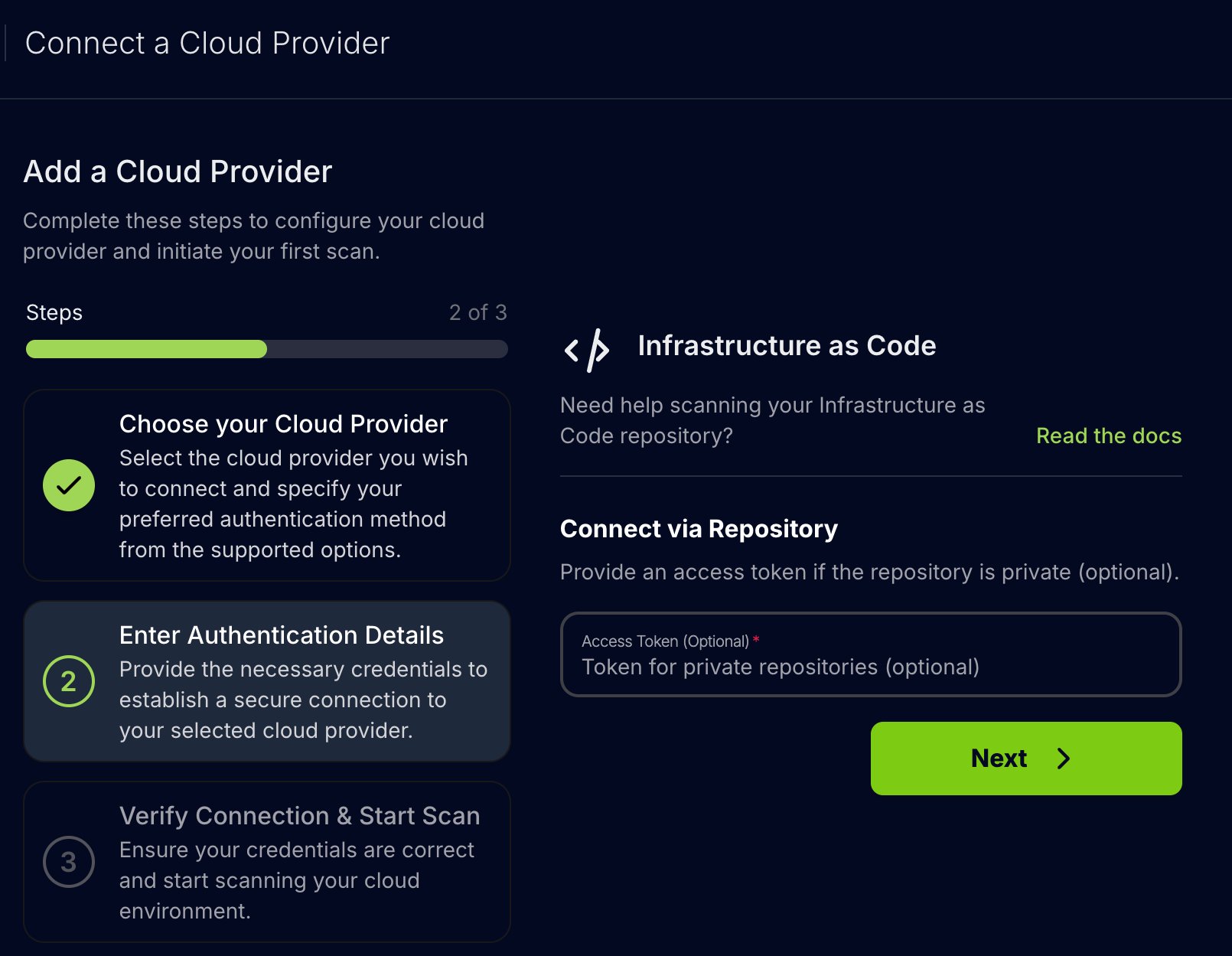
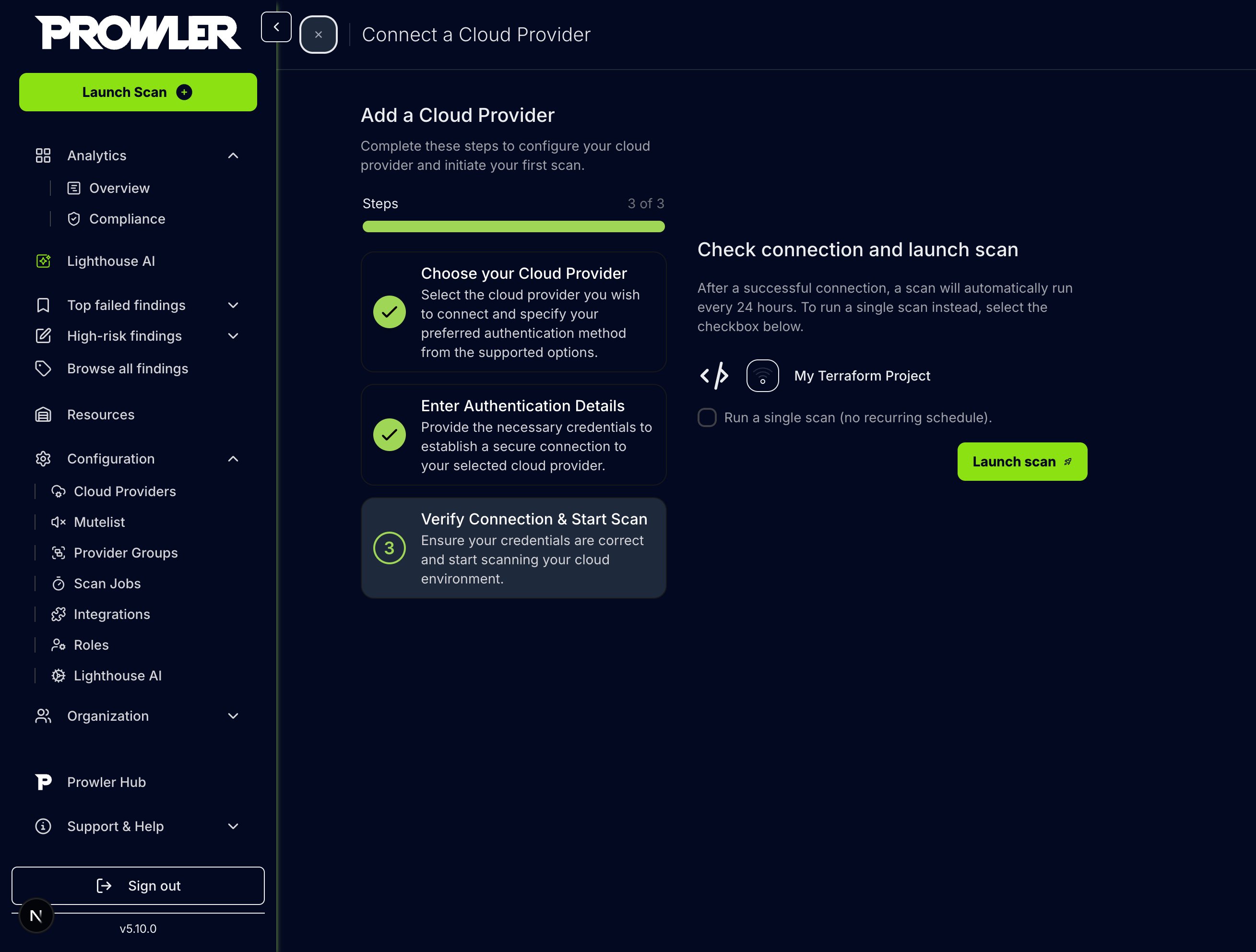
Step 3: Verify Connection & Start Scan
-
Review the provider configuration and click “Launch scan” to initiate the scan
Prowler CLI
Supported Scanners
Prowler CLI supports the following scanners: By default, only misconfiguration and secret scanners run during a scan. To specify which scanners to use, refer to the Specify Scanners section below.Usage
Use theiac argument to run Prowler with the IaC provider. Specify the directory or repository to scan, frameworks to include, and paths to exclude.
Scan a Local Directory (default)
Scan a Remote GitHub Repository
Authentication for Remote Private Repositories
Authentication for private repositories can be provided using one of the following methods:- GitHub Username and Personal Access Token (PAT):
- GitHub OAuth App Token:
- If not provided via CLI, the following environment variables will be used (in order of precedence):
GITHUB_OAUTH_APP_TOKENGITHUB_USERNAMEandGITHUB_PERSONAL_ACCESS_TOKEN
- If neither CLI flags nor environment variables are set, the scan will attempt to clone without authentication or using the credentials provided in the git URL.
Mutually Exclusive Flags
--scan-pathand--scan-repository-urlare mutually exclusive. Only one can be specified at a time.
Specify Scanners
To run only specific scanners, use the--scanners flag. For example, to scan only for vulnerabilities and misconfigurations: